Eight tools, one complete control flow
For those who live between the .xer, the .mpp and the weekly report.
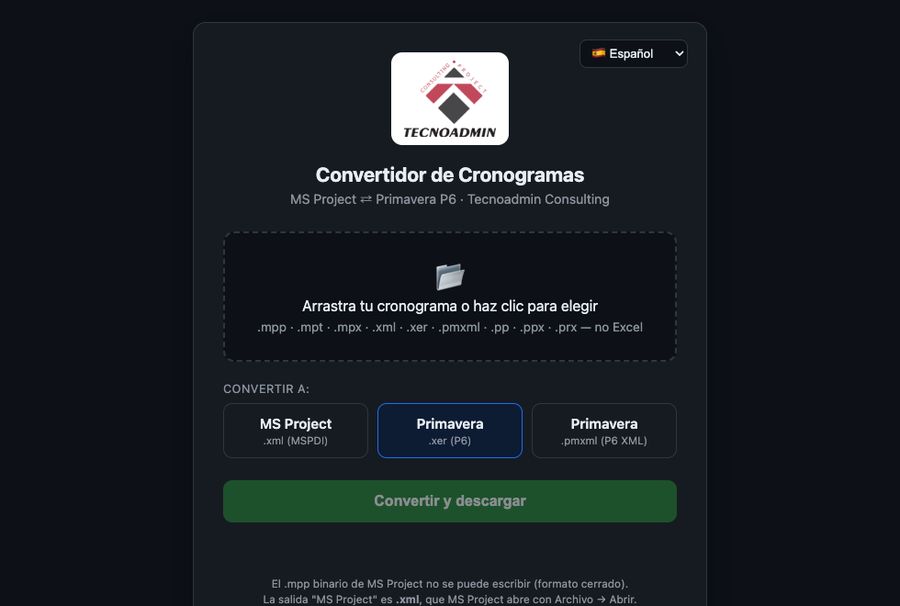
Converter
Move schedules between MS Project and Primavera P6 in seconds, keeping the timephased.
- .mpp / .xml → .xer / .pmxml
- .xer / .pmxml → MS Project XML
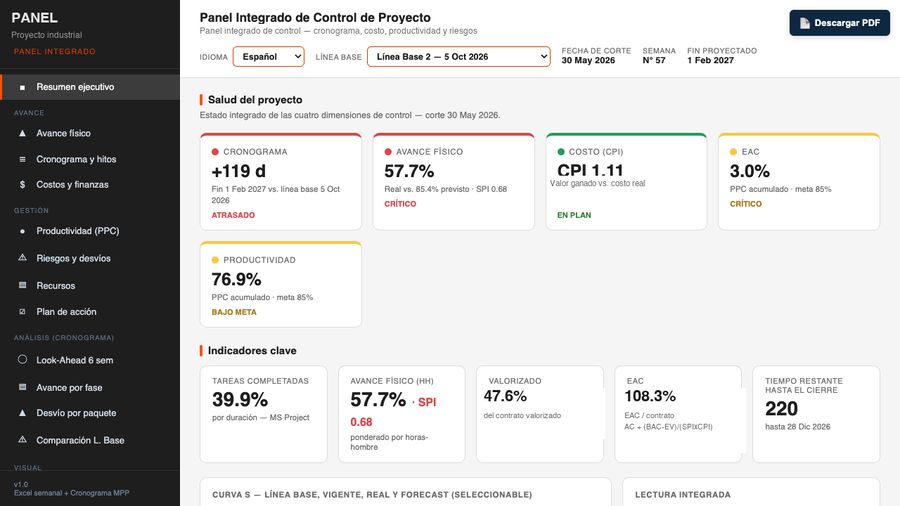
Dashboard Generator
Upload your schedule and get a full executive dashboard: S-curve, EAC, Look-Ahead, cost and progress.
- MPP · XER · XML · Excel
- S-curve · EAC · LPS
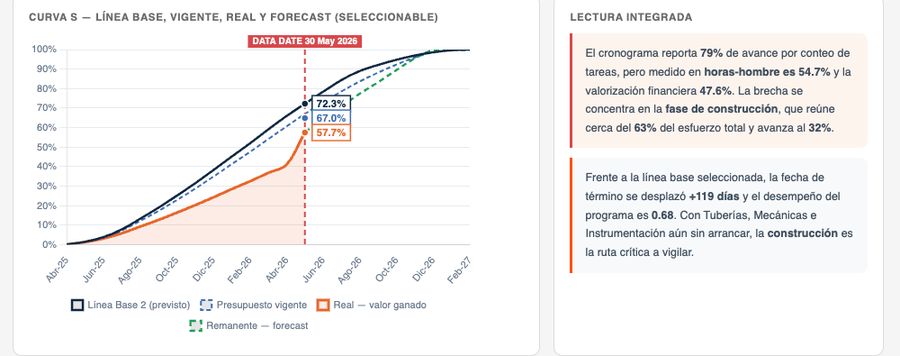
Control Panel
Your project always up to date: drop the schedule in a folder and the panel publishes itself.
- Auto-update (watcher)
- ES · EN · PT · DE · FR · AR
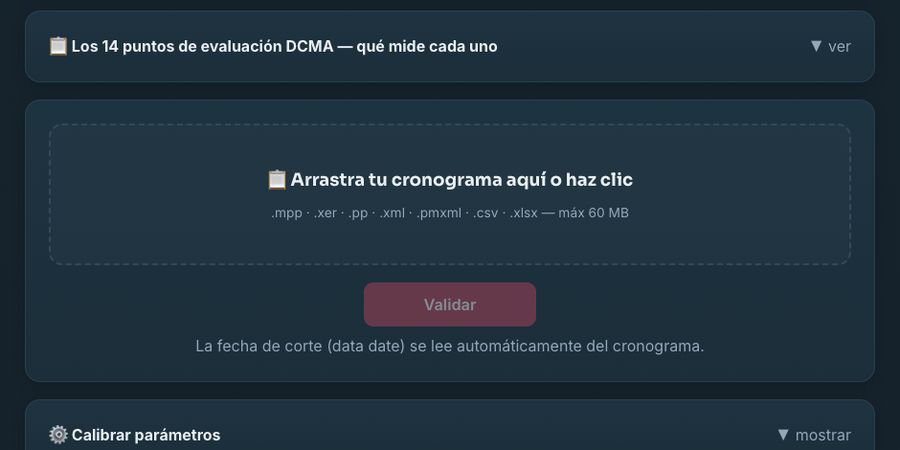
DCMA Validator
Audit your schedule against the DCMA 14-Point standard: logic, float, critical path and more, with an instant quality score and report.
- DCMA 14-Point Assessment
- MPP · XER · XML · PMXML
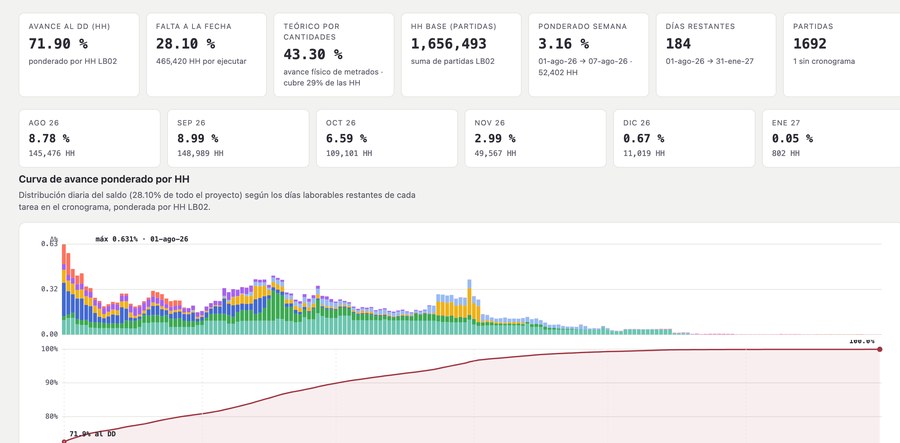
Daily Weighting
From schedule and weekly report to a daily man-hour weighted forecast: how much progress is due each day, week and month until project end.
- Δ% diario · semana · mes
- HH por disciplina · Curva S
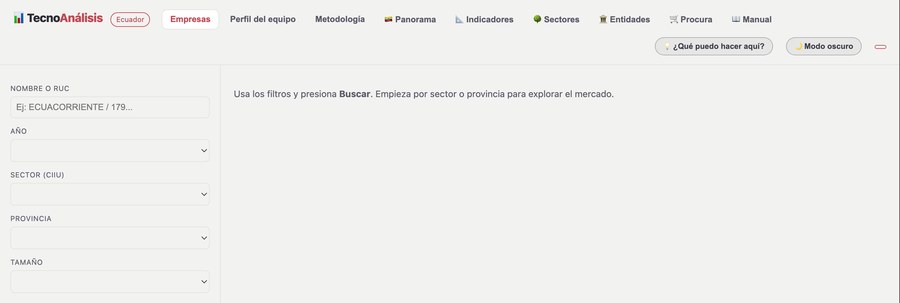
TecnoAnálisis
Company intelligence: official financial statements, ratios, ISIC sector benchmarking and AI-assisted strategic analysis.
- Ratios · benchmark CIIU
- FODA · PESTLA con IA
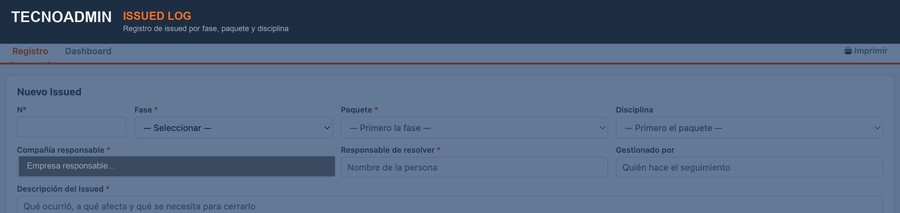
Issued Log
Live issue log by phase, package and discipline: who resolves it, since when, and what is blocking the work, with a status dashboard.
- Fase · paquete · disciplina
- Estado, responsable y cierre

Safety Forms
IPERC, PETAR, JSA and check-lists digital on site: filled from the phone, signed and archived automatically.
- IPERC · PETAR · ATS
- Firma y archivo automático